






Testimonials

“Having Baymard is like having access to a magical UX super power. I can't believe how helpful and easy to use it is, given the vast array of tools and information they provide!”
“Intelligent, consumer-focused insights that are clear and actionable.”
Will Close, Director of A/B testing at Nike.com
"An eye opener. This UX audit helped validate assumptions we had and provided visibility on issues we overlooked."
Michael Tran, Sr. Business Analyst at Sony PlayStation
Read 200+ Testimonials“Intelligent, consumer-focused insights that are clear and actionable.”
Will Close, Director of A/B testing at Nike.com
Find usability issues, design with evidence, and get stakeholders behind the right improvements. Give your team the research and tools to move from everyday UX questions to clearer priorities and better customer experiences.
See how a shared foundation of UX research helps teams find friction, prioritize improvements, and build with confidence.
Support the people improving your experience and the leaders deciding where to invest.

Identify usability weaknesses and compare your experience with industry peers. Give design and product teams a stronger case for what to improve next.

Bring established UX guidance into decisions before development. Catch familiar usability problems while there is still time to change the design.

Give designers, researchers, product managers, and leaders a common reference. Make reviews more consistent and priorities easier to explain.
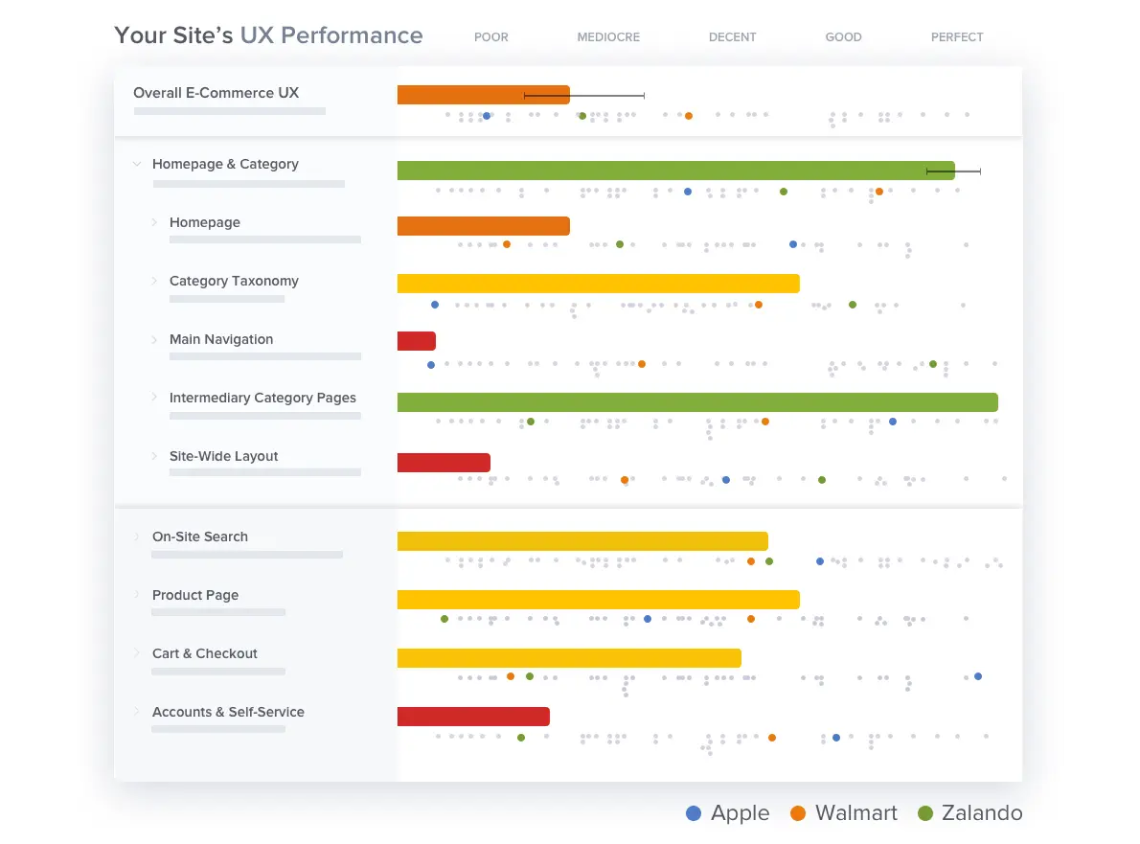
Use the Review Tool to assess your site against UX best practices, then compare the results with industry leaders and competitors. UX-Ray offers a quick starting point by surfacing potential friction to investigate.
Give your roadmap a clear UX baseline and specific opportunities to explore.
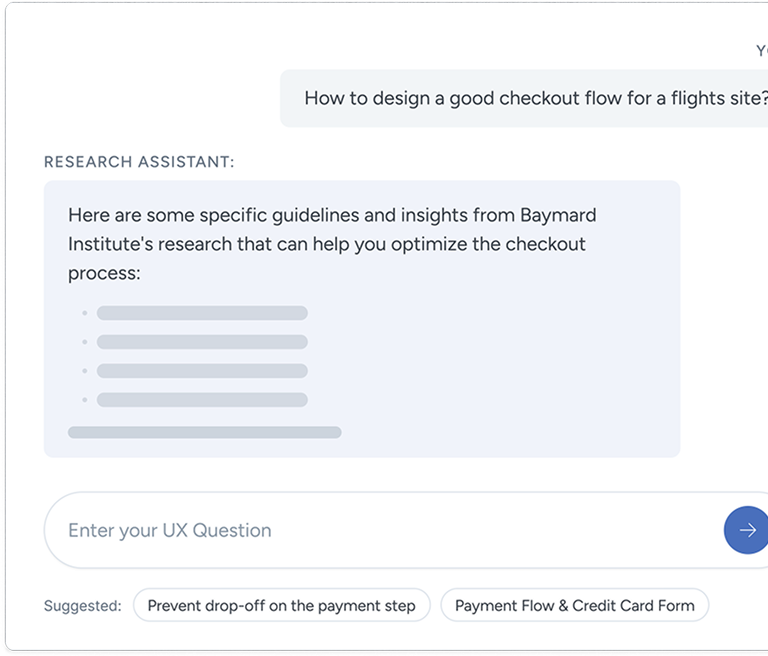
Explore 700+ UX best practice guidelines and use UX-Query to find research relevant to your question. Understand the customer behavior behind each recommendation and what it means for navigation, search, product pages, checkout, and more.
Spend less time searching for answers and more time applying the evidence.
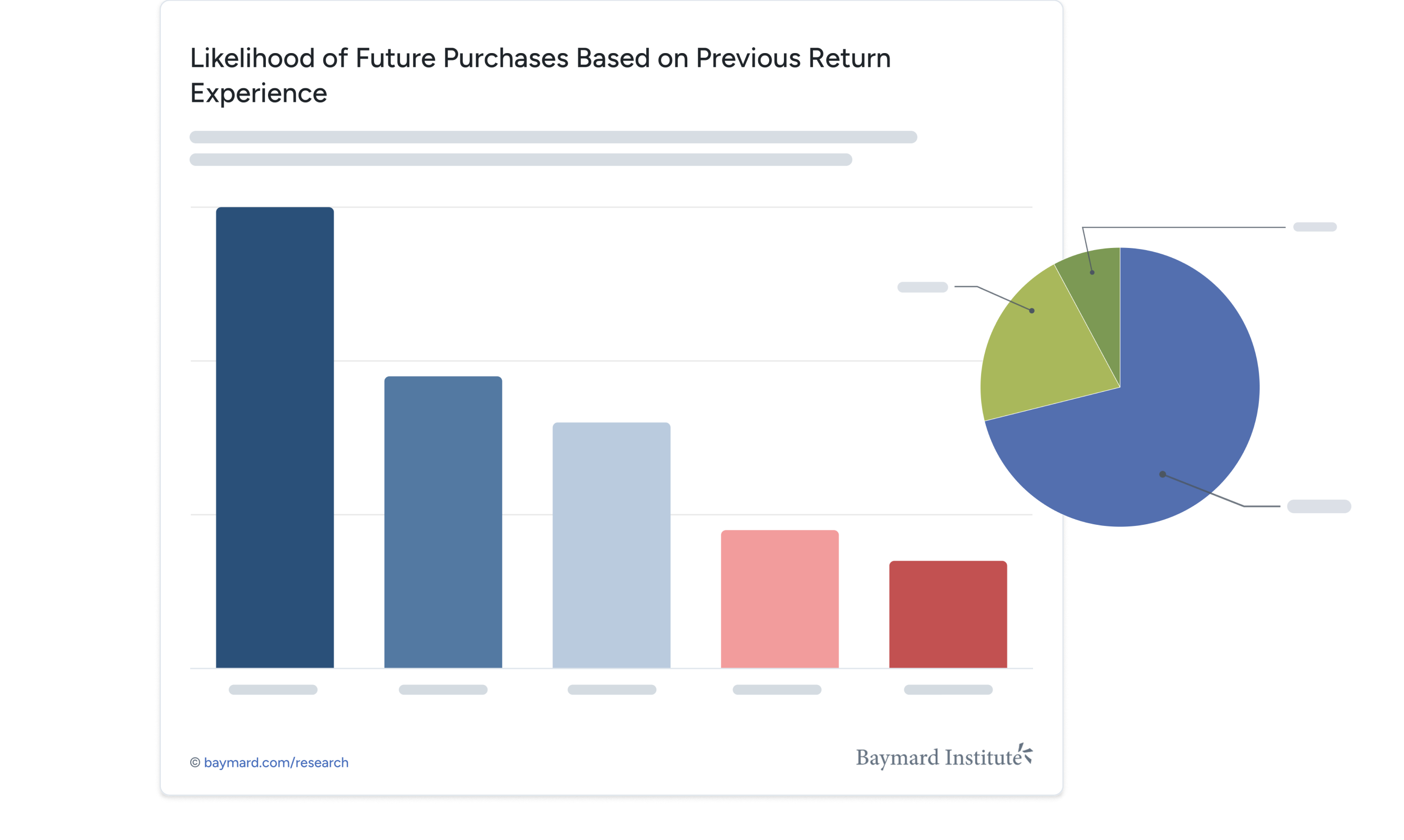
Browse 18,000+ annotated design examples to see how UX principles work in real interfaces. Explore alternatives, understand why an implementation works, and bring guideline cards into Figma alongside your designs.
Make design reviews more concrete and give development a clearer rationale.
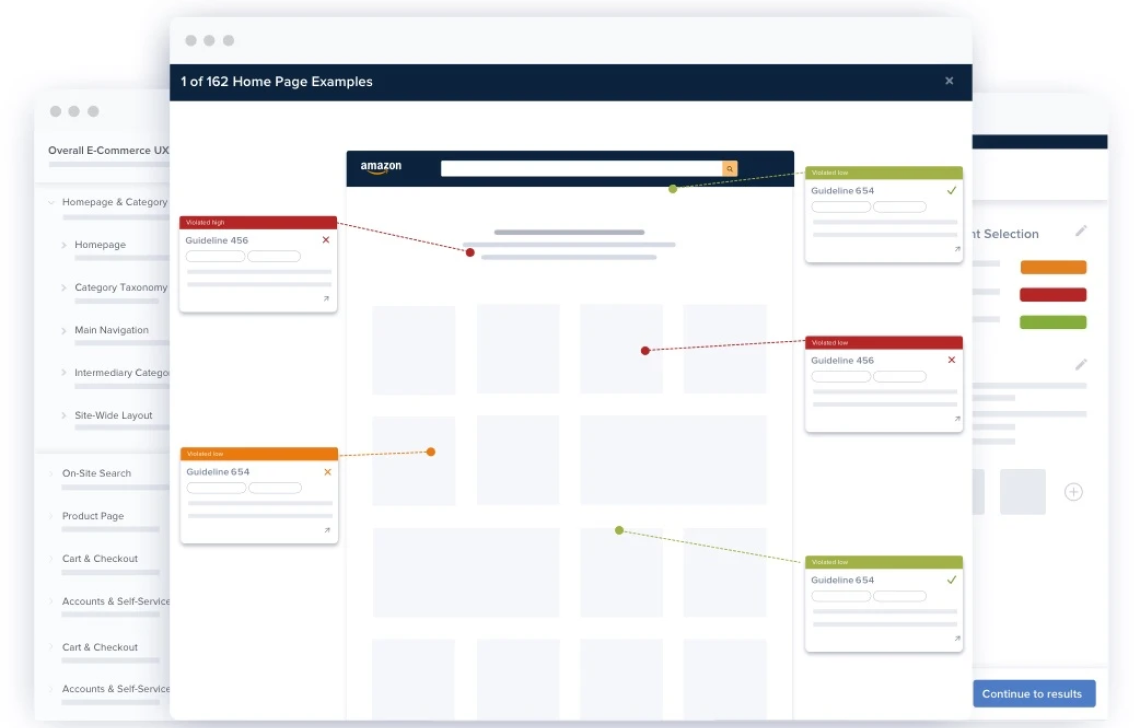
Use the Review Tool’s findings and scores to give your team a shared view of UX strengths and weaknesses. Reassess your experience as changes go live, and use structured UX training to build a more consistent approach across your team.
Show what has improved in your UX. Track the commercial results in your own analytics and experiments.
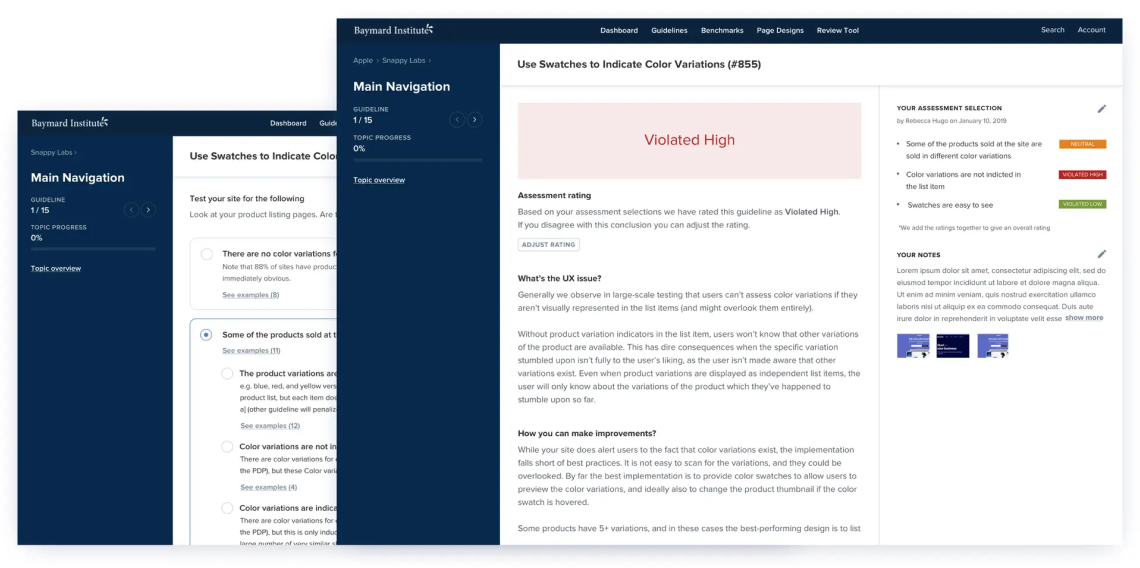
Get a snapshot of potential UX friction on your site and identify areas for further investigation.
Assess your site against UX guidelines, record findings, and keep track of your team’s reviews.
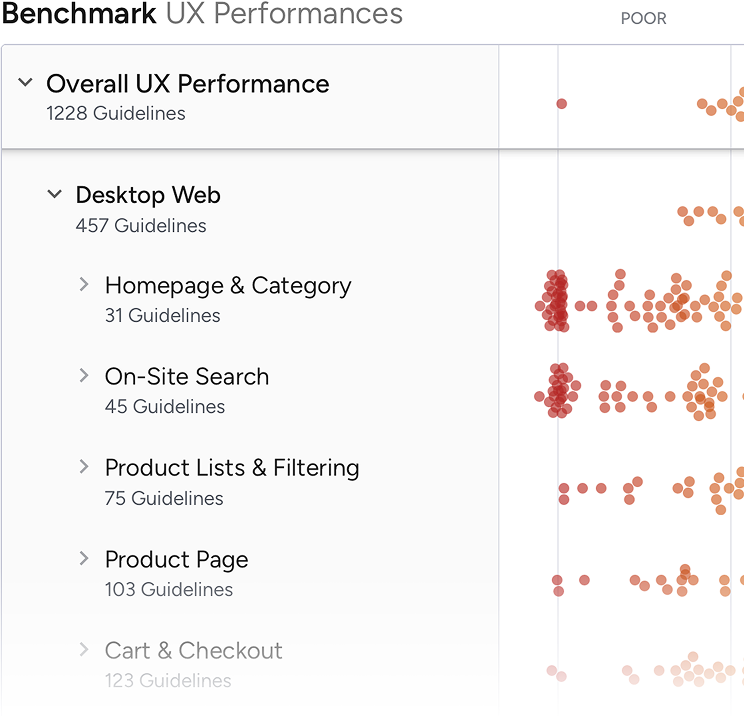
Compare UX performance across industry peers and see strengths and weaknesses at site, page, and component level.
Understand common usability problems and the research-backed guidance for solving them.
Understand common usability problems and the research-backed guidance for solving them.
Explore annotated ecommerce page designs to understand how UX best practices work in real interfaces.
Ask a UX question and find answers grounded in Baymard’s ecommerce research.
Place research-backed guideline cards alongside your Figma designs to explain the decisions behind them.
Compare UX performance across industry peers and see strengths and weaknesses at site, page, and component level.
Assess your site against UX guidelines, record findings, and keep track of your team’s reviews.
Place research-backed guideline cards alongside your Figma designs to explain the decisions behind them.
Build a shared understanding of ecommerce UX with structured learning and certification.
Build a shared understanding of ecommerce UX with structured learning and certification.
Understand common usability problems and the research-backed guidance for solving them.
Explore annotated ecommerce page designs to understand how UX best practices work in real interfaces.
Ask a UX question and find answers grounded in Baymard’s ecommerce research.
“Having Baymard is like having access to a magical UX super power. I can't believe how helpful and easy to use it is, given the vast array of tools and information they provide!”

“We’ve used Baymard as a structured evaluation framework when auditing parts of our digital experience… This approach gave us a strong foundational overview of where the experience deviated from established UX best practices and helped prioritize improvements.”

“Intelligent, consumer-focused insights that are clear and actionable. The team in the room really loved the way the Baymard Institute highlighted the optimizations in the various user experience elements (copy, layout, design, calls-to-action…), from the perspective of consumer struggles. Baymard’s Usability research really complements our other existing research tools.”
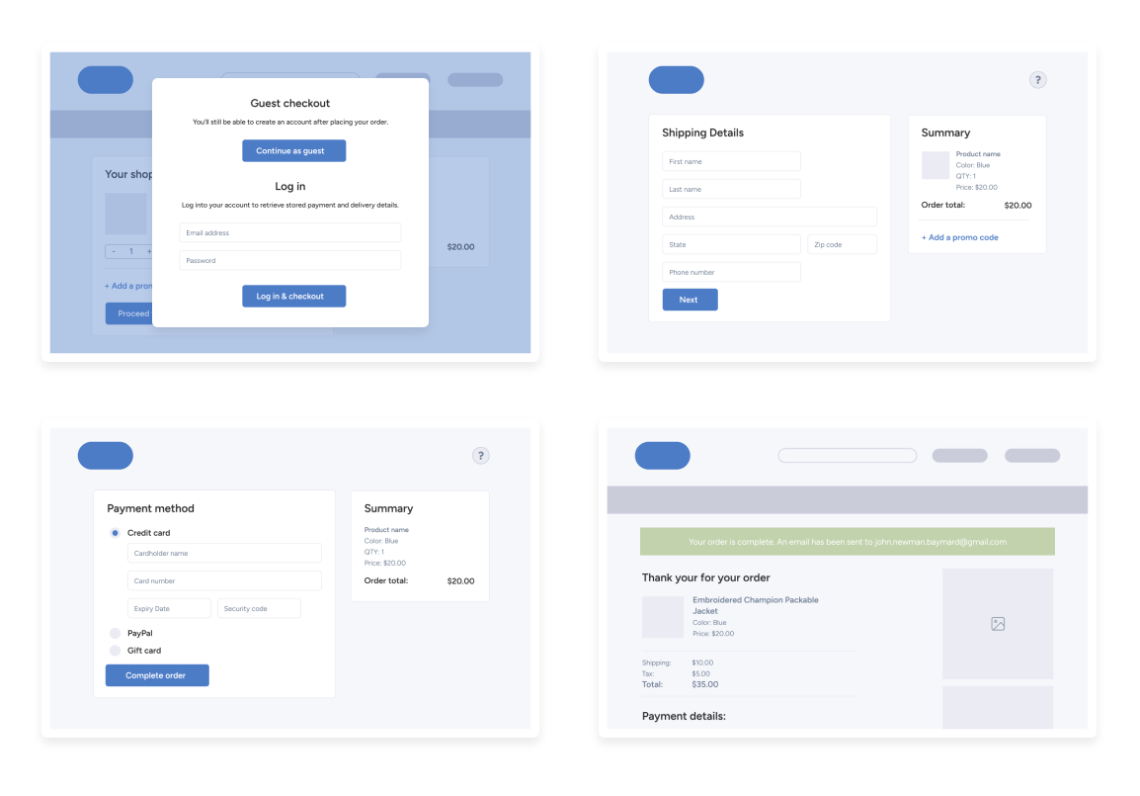
Bring Baymard’s researchers into your project for an independent evaluation of your site. Get site-specific recommendations and a benchmark against industry peers to help your team decide where to focus.
A dedicated service for teams that want expert analysis alongside ongoing access to research and tools.
"An eye opener. This UX audit helped validate assumptions we had and provided visibility on issues we overlooked."
Michael Tran, Sr. Business Analyst at Sony PlayStation
Read 200+ Testimonials