UX Research Methods: Which to Use and When
Are you using the right UX research method for your goals? Discover the strengths, limits, and ideal timing for four key research methods here.
As a UX leader, it can sometimes be a challenge to know which research method to use for the question at hand.
Teams often default to the method they know best, or the one that fits the timeline, rather than the one that actually fits the research question. A usability test answers a different question than a heuristic evaluation. A cognitive walkthrough tells you something different from a UX audit. Using the right method for the wrong question produces findings that are interesting but not actionable.
This guide covers four primary evaluation methods used in ecommerce User Experience (UX): heuristic evaluation, usability testing, cognitive walkthrough, and UX audit.
For each, it covers what the method involves, what it produces, where it's strongest, and where it falls short.
Note: These methods are not mutually exclusive. Most mature UX programs combine more than one. The final section covers how they fit together in practice.
Transform Your UX with an Expert-Led Audit
Discover the top industry-specific UX improvements for your site and benchmark your UX against industry leaders and competitors today!
The four methods at a glance
Here’s a brief overview of the four key UX research methods.
Heuristic evaluation
- What it involves: Expert review against a set of UX principles
- Primary output: Issue list with severity ratings
- Best for: Fast expert review; early-stage diagnosis
Usability testing
What it involves: Observed task completion with real users
Primary output: Qualitative behavioral findings
Best for: Understanding how and why users struggle
Cognitive walkthrough
What it involves: Step-by-step evaluation of a specific task flow
Primary output: Task-level friction and failure points
Best for: Evaluating a defined user journey before launch
UX audit
What it involves: Structured evaluation against research-backed standards
Primary output: Prioritized findings with benchmark comparisons
Best for: Comprehensive review; stakeholder reporting; benchmarking
Heuristic evaluation
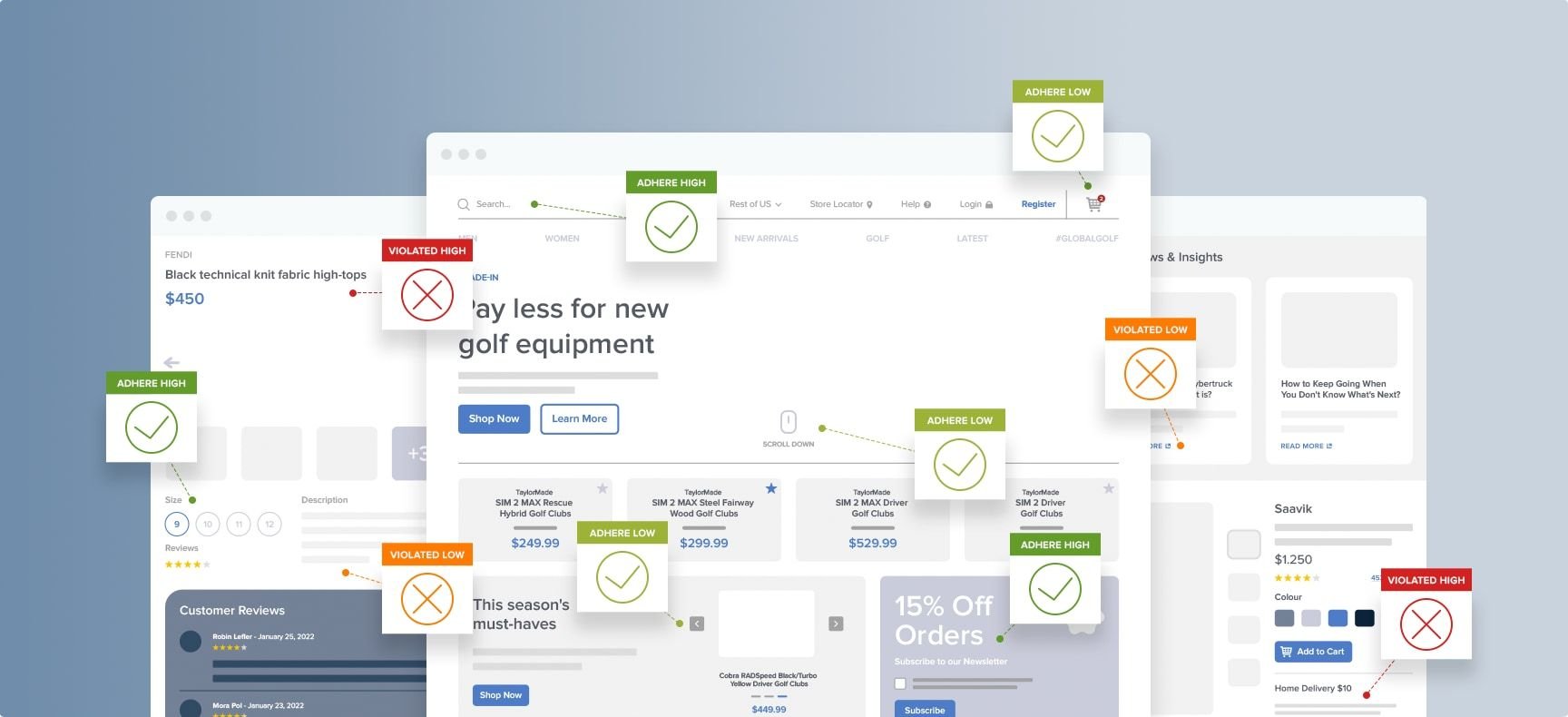
A heuristic evaluation is an expert-led method in which one or more evaluators inspect a site or interface against a set of established usability principles (heuristics) to identify violations.
The output is a list of UX issues, typically severity-rated on a scale, produced relatively quickly and without requiring user recruitment or session facilitation.
Strengths of heuristic evaluation
- Fast and low-cost compared to usability testing
- Can be conducted at any stage; on a live site, a prototype, or a wireframe
- No user recruitment required (the method is entirely expert-led)
Limitations of heuristic evaluation
- Not ecommerce-specific: General heuristics catch basic usability flaws but miss critical ecommerce friction points like checkout optimization, complex filter behavior, and mobile keyboard types
- Findings depend heavily on individual evaluator expertise, and can sometimes reflect personal opinion rather than objectively validated, data-backed user behavior
Usability testing
Usability testing involves observing real users attempting to complete specific tasks on a website (or app) or prototype. A facilitator or automated tool records where users struggle, fail, or express confusion. It is the foundational method of UX research, and the only method that directly observes real user behavior.
There are a couple of key variants of usability testing:
- Moderated testing pairs a facilitator with participants in real time — guiding them through tasks and probing for reasoning as issues emerge. It produces the richest qualitative findings of any method, but it's resource-intensive: recruiting participants, scheduling sessions, facilitating them, and synthesizing findings takes time and expertise.
- Unmoderated testing has participants complete tasks independently via a tool. It's faster to deploy and more scalable, but produces less depth — there's no facilitator to follow up on hesitation, probe for reasoning, or redirect a participant who's gone off-task.
Remote usability testing is now the standard for many teams. In-person testing can be worth the additional cost for high-stakes research questions where environmental context or physical product interaction matters.
Usability testing helps to identify patterns of user behavior, where users hesitate, make errors, misunderstand interface elements, or abandon tasks. It shows how and why users struggle.
The findings are grounded in what users actually do, not what evaluators predict, and not what users say they'd do.
Strengths of usability testing
- The only method that directly observes real user behavior; findings reflect actual interaction, not expert prediction.
- Surfaces unexpected failure modes that expert evaluators miss — the issues that feel obvious to the team are often invisible to a first-time user, and vice versa.
- Generates compelling evidence for stakeholder buy-in. A video clip of a user failing to complete a checkout step is more persuasive in a board presentation than a written finding because it makes the problem visible in a way that a severity rating doesn't.
Limitations of usability testing
- Resource-intensive: Participant recruitment, task design, facilitation, and synthesis represent a significant time investment even for a scoped test
- Findings degrade over time: Usability testing needs to be re-run when the interface changes significantly
These limitations apply if you’re running the research in-house, but can be eased with access to a library of pre-validated, evidence backed guidelines.
Baymard's entire research base is built on large-scale usability testing; 200,000+ hours across hundreds of ecommerce sites, conducted over 15+ years and synthesized into 700+ best practice guidelines.
Baymard's findings represent accumulated behavioral evidence that can help supplement and contextualize your own research.
Cognitive walkthrough
A cognitive walkthrough is a structured evaluation method in which one or more evaluators step through a specific task flow — action by action — asking a fixed set of questions at each step to identify where a new or unfamiliar user would struggle. It focuses specifically on learnability: Can a first-time user complete this task without guidance?
These are the questions that it attempts to answer:
- Will the user know what to do at this step?
- Will the user notice that the correct action is available?
- Will the user understand from feedback that the action was completed correctly?
Cognitive walkthrough provides a detailed, step-by-step analysis of a specific user journey (such as a guest checkout, a promo code application, or a navigation path from homepage to a specific product type).
Findings are more granular and flow-specific than a broad heuristic evaluation, and they're structured around the user's perspective at each decision point rather than the evaluator's overall assessment.
Strengths of cognitive walkthrough
- Excellent for evaluating a specific, defined task flow; particularly useful pre-launch when a new flow is being validated against first-use standards
- No user recruitment required, as it can be conducted quickly by an internal team
- The fixed question set reduces evaluator bias that heuristic evaluation can be prone to; evaluators are constrained to ask the same questions at every step, rather than focusing on the elements they personally find problematic
- Explicitly designed around a first-time user encountering the interface, making it well-suited to catching the issues that users familiar with the site no longer notice
Limitations of cognitive walkthrough
- Scope is narrow by design; a cognitive walkthrough of the checkout flow tells you nothing about the product discovery experience, or how returning customers experience it
- The fixed question set may not surface issues that fall outside the scope (for example, a confusing navigation might not be caught by the three standard questions if the evaluator can identify the correct action even when the hierarchy makes it difficult)
- Quality of the findings is bound by the evaluator's ecommerce expertise; an evaluator can identify that something feels awkward, but not know whether it violates a specific standard or how far below best practice it sits.
Use a cognitive walkthrough when you need to evaluate a specific, newly designed or redesigned flow before it goes live, and you don't have time or budget for usability testing. A cognitive walkthrough is not a substitute for user testing. It's a faster and cheaper first-pass evaluation of a defined journey, suited to catching the most obvious first-use failures before a launch.
UX audit
A UX audit is a comprehensive, structured evaluation of a site's full user experience against an established standard. Unlike heuristic evaluation (which applies general principles) or a cognitive walkthrough (which focuses on a specific task), a UX audit is broader in scope, more systematic in structure, and typically produces findings with severity ratings, prioritization guidance, and benchmark comparisons.
In ecommerce, a well-executed UX audit covers all major page types and flows: homepage and navigation, category pages, on-site search, product listing pages (PLP), product detail pages (PDP), cart, and checkout.
It evaluates each against documented standards for what best-practice implementations look like — and benchmarks findings against what leading sites in the category are actually doing.
An ecommerce UX audit should produce:
- A prioritized list of findings across the full site, with severity ratings tied to likely conversion impact
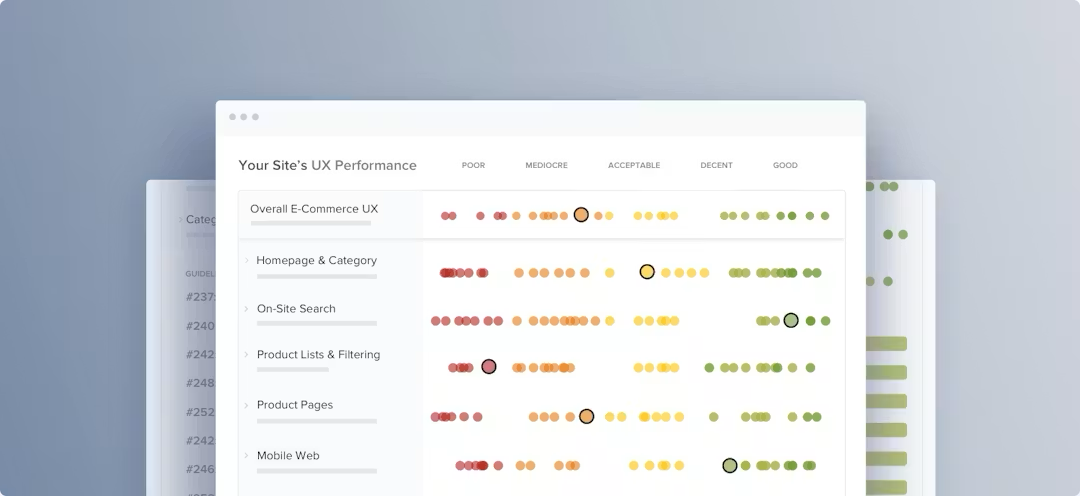
- Benchmark comparisons showing how the site performs relative to industry standards and leading competitors
- A roadmap that connects findings to specific development actions, with enough prioritization guidance to drive a sprint plan, not just a wishlist
Baymard UX Audit Deepdive
Find out how Baymard's expert UX audit service helps you justify UX decisions, uncover your top conversion opportunities, and benchmark your site against competitors.
Strengths of UX audits
- The only method that gives a full picture of UX performance across the entire conversion funnel, from homepage through post-purchase
- Produces findings in a format that communicates clearly to non-UX stakeholders: prioritized, severity-rated, and often benchmarked against a competitive reference
- When conducted against Baymard's research-backed guidelines, findings carry the weight of 200,000+ hours of usability evidence rather than opinion alone
Limitations of UX audits
- More resource intensive and time consuming than a heuristic evaluation or cognitive walkthrough
- Quality is entirely dependent on the evaluation standard used; an audit conducted against weak or generic criteria produces weak findings
How to choose the right usability research method
The right method depends on the question, the timeline, and who needs to act on the findings. Asking the following questions gives you the criteria to make the right call.
What is the research question?
- "What UX problems exist across our site?" → UX audit
- "Why are users abandoning at this specific step?" → Usability testing
- "Will first-time users complete this new flow?" → Cognitive walkthrough
- "What are the most obvious UX violations on this page?" → Heuristic evaluation
What is the timeline and budget?
- Days, limited budget → Heuristic evaluation or cognitive walkthrough
- Weeks, moderate budget → UX audit (self-directed with Baymard’s guidelines)
- Weeks to months, higher budget → Usability testing or expert-led audit
Who needs to act on the findings?
- The design or development team → Any method, with clear documented findings
- Senior stakeholders or C-suite → UX audit with severity ratings and benchmarking, or usability testing with video evidence
Is this a new design or an existing one?
- New or pre-launch → Cognitive walkthrough or moderated usability testing
- Existing, live site → UX audit or heuristic evaluation
How mature UX teams combine methods
In practice, mature UX programs treat each research method as complementary, with each serving a different function in an ongoing research cycle.
Heuristic evaluation and cognitive walkthrough function as fast, low-cost first-pass tools.
They're useful for catching obvious issues before investing in more resource-intensive research, and for evaluating specific flows quickly before launch. Used alone, they're limited. Used as a first pass before usability testing, they focus the test on the issues that genuinely require behavioral validation — rather than spending testing budget on issues an expert review would have caught.
Usability testing provides the validation layer. It's used when a specific problem or proposed solution needs behavioral evidence. It helps to gain stakeholder buy-in for UX investment.
A UX audit is your systematic baseline. Run periodically (for example, annually, or before and after major redesigns), it provides a full picture of UX performance across the site and tracks improvement over time. It's the method that tells you where the biggest problems are, so that heuristic evaluation and usability testing can be focused on the highest-priority areas.
Baymard is the evaluation standard that connects all three. It gives heuristic evaluations and self-directed audits a research-backed framework, so that expert reviews measure against validated criteria, not individual judgment. It gives usability testing findings a benchmark context, so that a failure rate observed in testing can be compared against what leading ecommerce sites do differently. And finally, it gives audit findings competitive grounding, meaning "this doesn’t work" becomes "this is below the industry median."
Building a UX research program means designing the combination of methods that fits your team's capacity, budget, and stakeholder environment. No single method answers every question, but every method produces better findings when it's grounded in a rigorous evaluation standard.
Start with the right standard
The right UX research method depends on the question, the timeline, and who needs to act on the findings. No single method works for everything, but all of them work better when the evaluation standard behind them is grounded in research rather than opinion.
Baymard gives UX teams access to 700+ ecommerce-specific guidelines and benchmark data from 330+ leading sites — the standard that makes heuristic evaluations and self-directed audits research-backed. UX-Query gives you instant, research-backed answers to any UX question, so your team spends less time debating what best practice looks like and more time applying it.
For teams who want a comprehensive expert-led audit — conducted by an experienced research team, benchmarked against the full dataset, with a prioritized roadmap — Baymard's audit service delivers the full picture.